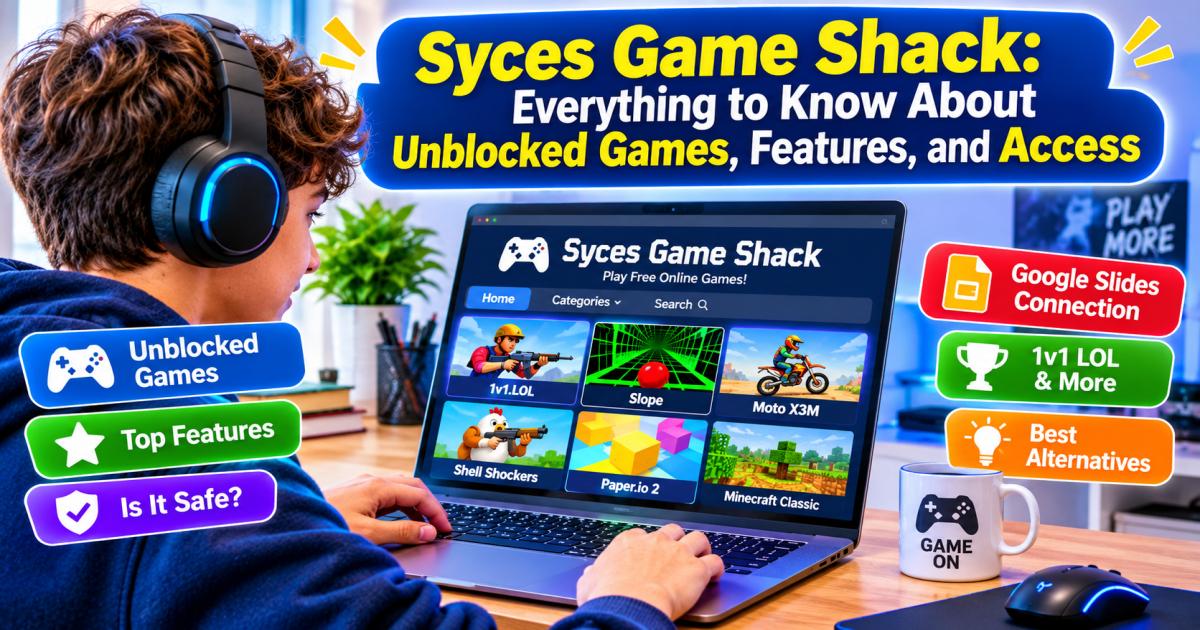
Syces Game Shack: Everything to Know About Unblocked Games, Features, and Access
Syces Game Shack is a free, browser-based website that collects unblocked games for schools, offices, and other networks with web filters. You open it in your browser, pick a game from the list, and play right away. There is no account to create and nothing to install.
That is the short answer. The longer one has a few wrinkles. The site goes by several spellings, the game count changes from page to page, and many pages that describe it were clearly written by software and get basic facts wrong. This guide sticks to what the site’s own pages and its public GitHub files say, and it flags the points that could not be confirmed.
What is Syces Game Shack?
Syces Game Shack, also written as Syce’s Game Shack, is a hub of browser games that load as ordinary web pages. The project’s GitHub page describes it as an unblocked games website for schools and other organizations. The About page on the site adds that it costs nothing, needs no signup, and has more than 160 games.
The creator goes by the name Syce online. No company, store, or studio stands behind it that I could verify, so it is best seen as a hobby project that grew into a popular search term. Some auto-generated pages call it a console, a retail shop, or a paid membership platform. None of that matches what the site and its files show.
The game count deserves a caution. The version 4 launch text mentioned 90+ games. Other pages say 140+, 160+, and 180+. The library probably grew over time, and older pages kept the old numbers. Treat any single figure as approximate.
How to Access Syces Game Shack Unblocked
Schools and employers often use filters that block whole categories of sites or specific addresses. An unblocked site is simply one whose address has not been flagged yet. Because addresses do get flagged, Syces Game Shack unblocked access usually depends on having more than one link ready.
According to the site’s own pages, the main address is sycegameshack.com. Backups include syce-game-shack.vercel.app, a GitHub Pages mirror at subkeys.github.io/sayeo, and another mirror at soundboard1.vercel.app. These addresses can change, and I could not independently confirm who owns each one. A good starting point is the project’s GitHub page, which lists the Vercel address.
The routine is simple. Open one link, try the next if it fails, and bookmark whichever one works. Keep in mind that a filter is usually a deliberate rule. Check your school or workplace policy first, and save gaming for breaks or for home, where it is allowed.
Top Features of Syces Game Shack
The site keeps things plain, and that is much of its appeal. These are the features that stand out.
Free Online Browser Games
Every game runs inside the browser, so there is nothing to download and no login to remember. That makes it easy to open on a shared computer. The site’s pages describe action, adventure, puzzle, racing, sports, arcade, and strategy titles. With roughly 160 games by the site’s current count, a visitor can usually find something short enough for a free ten minutes.
Simple and User-Friendly Interface
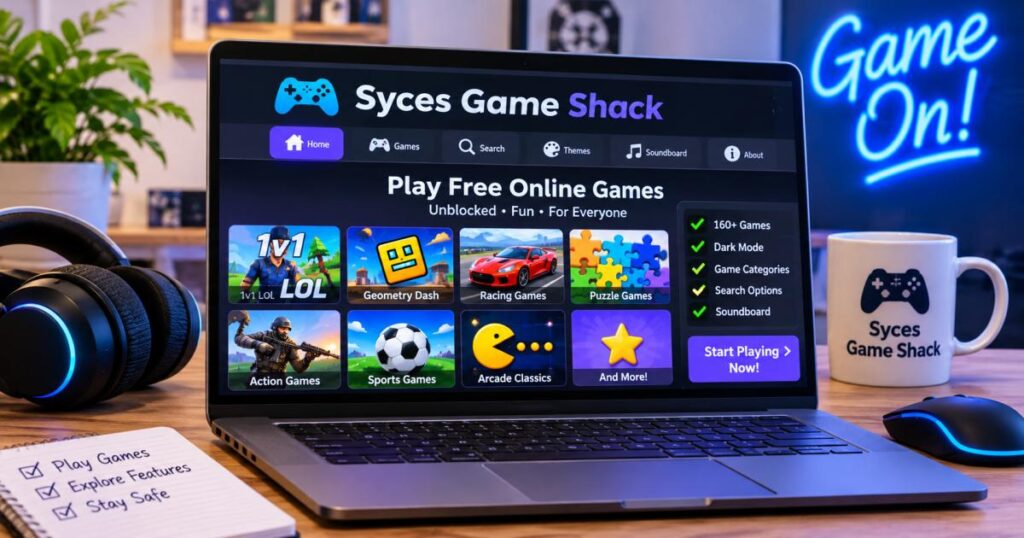
The menu has six tabs: Home, Games, Soundboard, Blogs, Links, and Settings. Starting a game takes three steps. Open the Games tab, pick a title, and press Play. Since version 4, each game opens with a splash screen that shows a short description, the genre, and the publisher. That small screen helps you decide before the game loads, and it credits the people who made it.
Game Categories and Search Options
Games are grouped by genre, which suits casual browsing. Pages about the site also mention a recommendation feature that suggests a few titles from the library each time you load it. If your version has a search bar, it is the quickest way to find a specific game such as 1v1 LOL. The exact options can differ between mirrors and versions, so look at the Games page itself.
Dark Mode and Customization Options
The menu includes a Settings tab, which is where sites like this usually put display and theme choices. I could not confirm a full list of options, including whether dark mode is built in, so open Settings on your first visit and see what it offers. The site’s pages also mention an FPS counter, a small readout that shows how smoothly a game runs. It helps on an older laptop or a school Chromebook.
Soundboard and Entertainment Features
A soundboard is a page of buttons that each play a short audio clip. The Syces Game Shack soundboard gives visitors something to do between games, though I could not verify its full clip list. The Blogs tab is where the creator posts update notes about new releases and changes, based on the version 4 announcement.
Syces Game Shack 2 vs. Syces Game Shack 4
Version 4 is the best documented release. It brought a redesign, the splash screen for each game, and update logs on the blog page. When it launched, the site mentioned 90+ games. Current pages claim 160+.
Version 2 is harder to pin down. I found no official page that explains what it offered. The pages that describe Syces Game Shack 2 as a console with player accounts and a subscription are auto-generated, and they are wrong about what the site is. The number points to an earlier release or a separate copy, but that is a guess.
If you land on a Game Shack 2 link, treat it as unverified. Prefer version 4 addresses, since older copies may miss updates and fixes.
Syces Game Shack Google Slides: What Is the Connection?
There is no Google Slides add-on for this site. The search term exists because the site publishes a tutorial page about reaching its games, and several junk pages invented a tool that connects Google Slides to a Syces account. Google’s own add-on marketplace does list classroom game add-ons, such as quiz-show style tools for teachers, but they have nothing to do with Syces Game Shack.
One safety point matters here. Marketplace add-ons typically ask for permission to view, edit, create, and delete your presentations. Never grant that access to an add-on promised by a page you do not recognize. If a page says you must install something to play Syces Game Shack, leave it.
Playing 1v1 LOL on Syces Game Shack
1v1 LOL is a browser-based building and shooting game built around quick duels. It runs without an install, so it shows up often in searches for unblocked games.
I could not confirm that 1v1 LOL is in the Syces Game Shack library. Check the Games page. If it is missing, the game’s own site, 1v1.lol, is a safer place to play than a random copy. Stay away from pages that offer hacks, aimbots, or browser extensions for the game. They give unfair advantages, spoil matches for other players, and are a common way to spread malware.
Syces Game Shack GitHub: Source Code and Development
GitHub is where Syces Game Shack keeps its files. A repository called syce-games describes itself as a content delivery setup for the site, with folders for images, projects, and compressed game files. The About page says the full code is public, and a GitHub Pages mirror serves the site too. Several GitHub accounts connect to the project, which fits a community-built site but makes it hard to say which copy is the original.
Public code has real value. Anyone can inspect how a simple game hub is put together, and students learning HTML and JavaScript can study it. The repository also has a section for contact and game removal requests, a sign that many games come from other creators.
Open code does not make every copy safe, though. A clone on another domain may add ads or change files. Always check the address before you play.
Is Syces Game Shack Safe and Legitimate?
Syces Game Shack appears to be a real, working hobby site, and a few design choices lower the risk. It needs no account, the games run inside the browser, and the code is public. On the other side, I found no independent security review, and nobody has verified who owns the site. A fair summary is reasonably low risk, not guaranteed.
A few habits cover most of the danger. Type the address yourself instead of clicking ads. Never download an installer or launcher. Do not enter your name, school email, or any password. Close pop-ups right away and keep your browser updated. Most trouble comes from copycat mirrors with similar names, not from the original site.
Benefits and Drawbacks of Syces Game Shack
The benefits are easy to list. It is free, it needs no signup, games start quickly, and the site runs on modest hardware. The menu is tidy, the code is public, and several addresses make it easier to reach when one link stops working.
The drawbacks are just as real. Ownership is unverified, and the game count shows up as anywhere from 90+ to 180+ depending on the page. The library is also smaller than the big portals, since the site’s own comparison page credits larger rivals with 300 to more than 1,000 games. Mirrors differ from each other, copycats exist, and school or workplace rules may not allow play at all. Like any game hub, it can also eat time you meant to spend on something else.
Best Alternatives to Syces Game Shack
Cool Math Games is a long-running site known for puzzle, logic, and strategy games, and it is often easier to justify in a classroom. Poki and CrazyGames are large, well-known browser game portals with big libraries, though they run ads. Unblocked Games 76 follows the same idea as Syces Game Shack, and the site’s own comparison page credits it with 300+ games, a figure that comes from a rival and may be out of date. Now.gg is a cloud-based site that streams mobile games in the browser.
Choose Cool Math Games for a school-friendly pick, Poki or CrazyGames for variety, and Unblocked Games 76 for the closest match. Whatever you pick, run the same safety checks.
Final Thoughts
Syces Game Shack does one job well enough: it puts free browser games in front of you with almost no setup. Version 4 is the one to look for; the menu is easy to learn, and the public code adds a layer of openness that similar sites rarely offer. Take the numbers loosely, since the library size appears to be anywhere from 90+ to 180+ depending on the page. Check each address before you play, skip anything that asks for a download or permissions, and follow your school or workplace rules. If you need a classroom-friendly option instead, Cool Math Games is the easiest swap.
FAQs
What is Syces Game Shack?
Syces Game Shack is a free, browser-based website that hosts unblocked games for schools and other networks with filters. Games run in the browser with no download and no account.
Is Syces Game Shack free to use?
Yes. The site’s pages say it is free and needs no signup. Third-party mirrors may show ads, so check what you open.
How do I access Syces Game Shack unblocked?
Open one of the addresses the site lists, such as its main link or the Vercel and GitHub Pages backups. If one fails, try the next, and bookmark the one that works. Follow your school or workplace rules.
Does Syces Game Shack have Google Slides games?
No. There is no Google Slides add-on. The site has a tutorial page about reaching its games, and pages that claim otherwise are unreliable. Do not grant add-on permissions to an unknown source.
Can I play 1v1 LOL on Syces Game Shack?
It is not confirmed. Look in the Games section. If it is not there, the game runs in a browser at its own site, 1v1.lol.
Does Syces Game Shack have a GitHub repository?
Yes. Its game files are hosted on GitHub, a GitHub Pages mirror serves the site, and the About page says the code is public. Several accounts are linked to the project.
Is Syces Game Shack safe for students?
It has no accounts and runs in the browser, which helps, but ownership is unverified and mirrors vary. Students should avoid downloads, skip personal details, and follow school rules.
Does Syces Game Shack work on Chromebooks?
Most likely. The games run in the browser, so a Chromebook with an up-to-date browser should handle most of them. The site’s pages mention an FPS counter to check performance, and heavier games may lag on older devices.